Contact Support
 Sign In
When you update DNS settings for your domain, such as pointing it to a new server, changing MX records for email, or adding a verification TXT record, the changes don’t take effect instantly worldwide. Instead, they go through a process called DNS propagation.
Understanding DNS propagation helps you know what to expect when making DNS changes and how long it may take until everything works smoothly again.
TABLE OF CONTENTS
What is DNS Propagation?
DNS propagation is the time it takes for changes to your DNS records to be updated and recognized across all DNS servers on the internet. Because there are thousands of DNS servers globally, each caching information about your domain, updates need time to be refreshed everywhere.
Until propagation is complete, some users may view your old DNS settings, while others will see the updated ones. This is why websites or email services can appear inconsistent immediately after DNS changes.
How Long Does DNS Propagation Take?
In most cases, DNS propagation takes between 30 minutes and 24 hours, but it can sometimes take up to 48 hours depending on:
- New Domains: 2 to 48 hours.
- A Record or CNAME changes: 30 minutes to 24 hours.
- MX, TXT, or SPF updates: 1 to 24 hours.
- Nameserver changes: Up to 48 hours.
Please note: These figures are general estimates. Some users may see changes almost instantly, while others, especially in regions with aggressive DNS caching, may experience delays.
How to Check DNS Propagation
To see if your DNS changes have propagated:
- Use tools like DNSChecker or WhatsMyDNS.
- Check from different devices or networks to confirm updates.
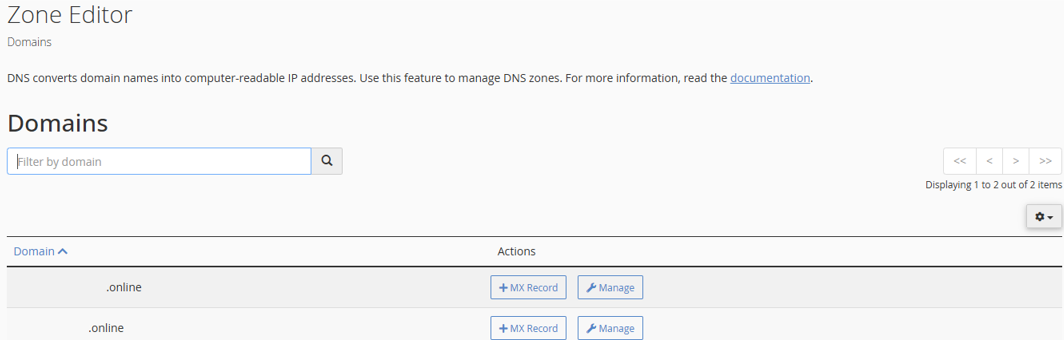
- Look in cPanel’s Zone Editor to ensure your records are correct.
Additional Information
- Patience is Key: Even if changes display on one device, it may take longer for all users worldwide.
- Clear Cache: Refreshing browser cache or flushing local DNS may display updates sooner.
- Propagation for Nameservers: Changing nameservers typically takes the longest – up to 48 hours.
- No Instant Fix: Unfortunately, DNS propagation cannot be sped up once changes are submitted.
- Hosted.com® Support: If propagation exceeds 48 hours or services are still not working, contact Hosted.com® support for assistance.
- Changes Are Not Instant for Everyone: Even if DNS has propagated for you, others may still be seeing the old records. Be patient and allow time for global consistency before declaring a migration or change complete.
- Nameserver Changes Take the Longest: When switching hosting providers or DNS managers, nameserver updates often take longer, because they involve changing the root zone data held by registries.
- Avoid Making Critical Changes During Peak Hours: If your website or email should remain accessible, schedule DNS updates during low-traffic periods and communicate with stakeholders about expected downtime.