Contact Support
 Sign In
This article will cover why is SSL/TLS important for ecommerce websites. Ecommerce stores handle sensitive customer data daily, including personal information, login credentials, and payment details. Protecting this information is crucial for maintaining customer trust and avoiding potential financial and reputational damage.
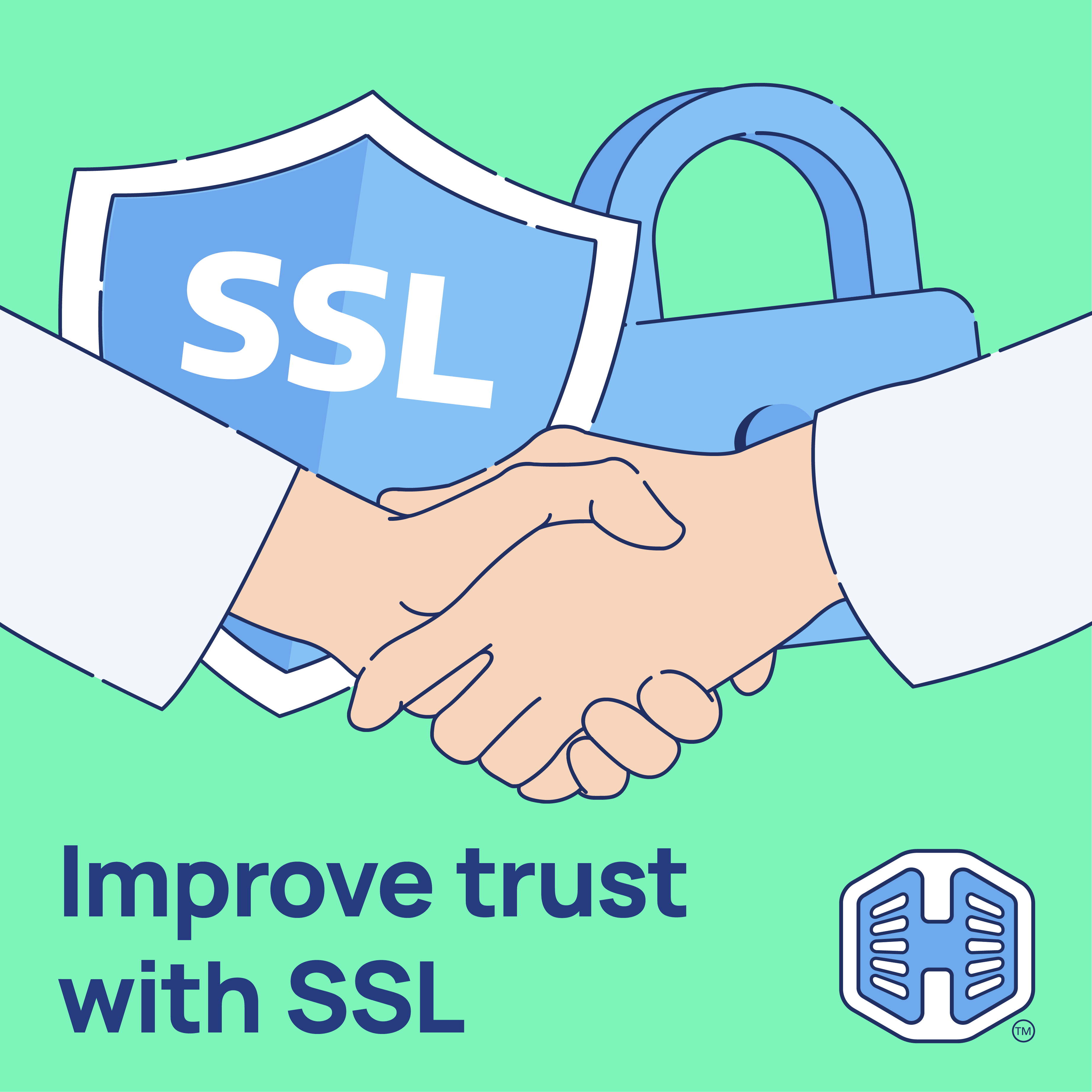
SSL (Secure Sockets Layer) and TLS (Transport Layer Security) certificates provide the encryption required to secure these online transactions. SSL/TLS encrypts communication between a website visitor’s browser and the web server, making it nearly impossible for unauthorized third parties to intercept or manipulate the data.
TABLE OF CONTENTS
SSL/TLS Important For Ecommerce Websites
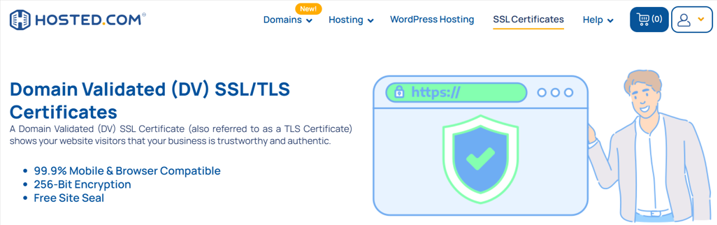
Websites using SSL/TLS display HTTPS in the URL and a padlock icon in browsers, signaling to customers that their information is secure. This sign alone significantly improves user confidence and encourages successful transactions.
Beyond encryption, SSL/TLS certificates also authenticate the website’s domain. The issuing Certificate Authority (CA) verifies ownership of the domain before the certificate is issued, helping prevent phishing or impersonation attacks. Without this verification, customers risk interacting with fraudulent websites posing as legitimate businesses.
Implementing SSL/TLS through Hosted.com® not only secures transactions but also strengthens trust, boosts search engine performance, and ensures compliance with industry standards, all critical factors for ecommerce success. Hosted.com® offers free SSL Certificates on all cPanel and WordPress Web Hosting plans.
Additional Information
- PCI DSS Compliance: SSL/TLS is a mandatory requirement for businesses processing online payments, ensuring adherence to security standards and avoiding penalties.
- SEO Benefits: Google prioritizes HTTPS-enabled websites in search rankings, giving ecommerce sites a competitive edge.
- Browser Warnings: Modern browsers such as Chrome and Firefox label non-HTTPS sites as “Not Secure,” which can deter potential customers from proceeding.
- Data Protection: SSL/TLS prevents hackers from intercepting sensitive transactions through packet-sniffing or other attacks.
- Brand Credibility: Displaying a valid SSL/TLS certificate demonstrates that your business values customer security and professionalism.
- Future-Proofing: Many web technologies, including HTTP/2, require HTTPS, ensuring faster and more reliable website performance.
Login to Hosted.com® Account
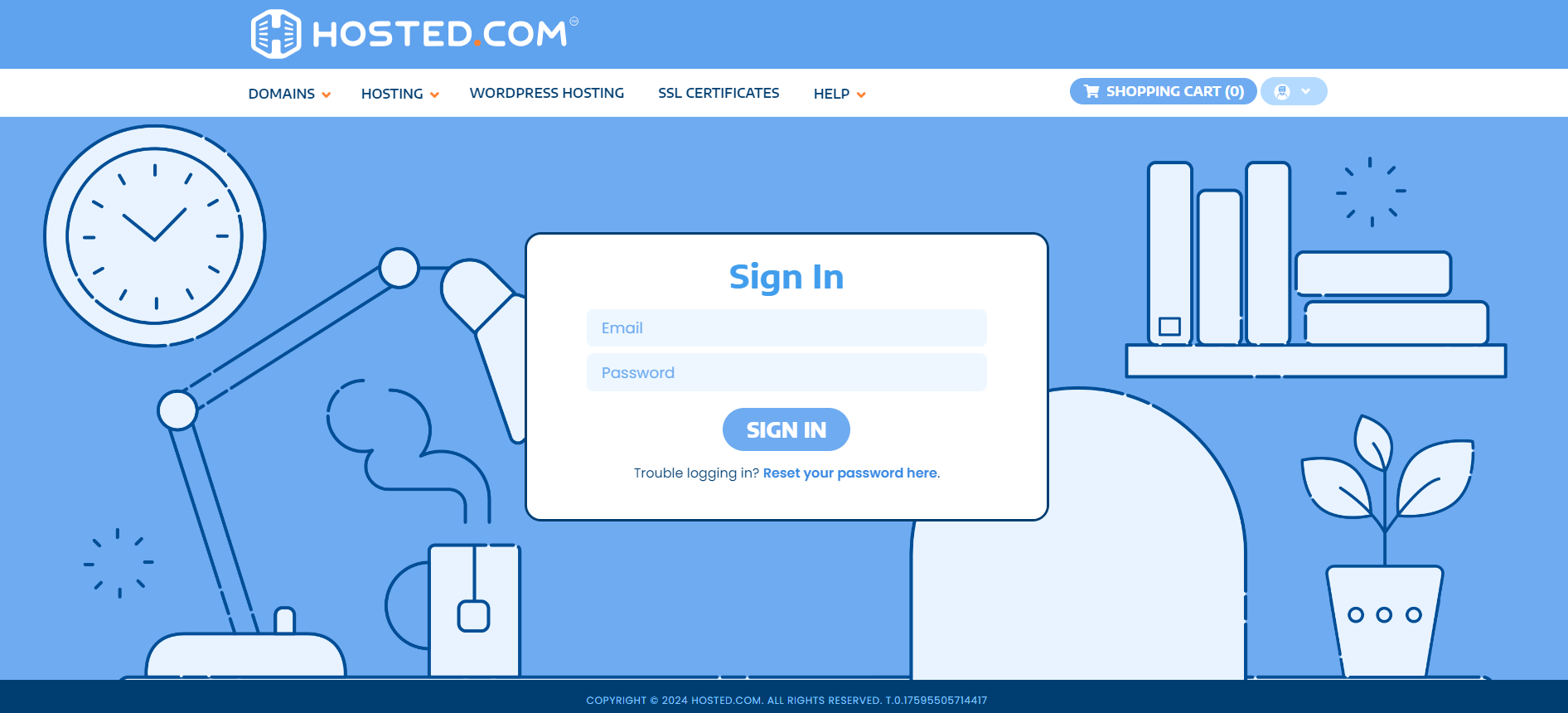
1. Go to the Hosted.com® website Account Login page.
2. Enter your Email and Password and click the Sign In button.
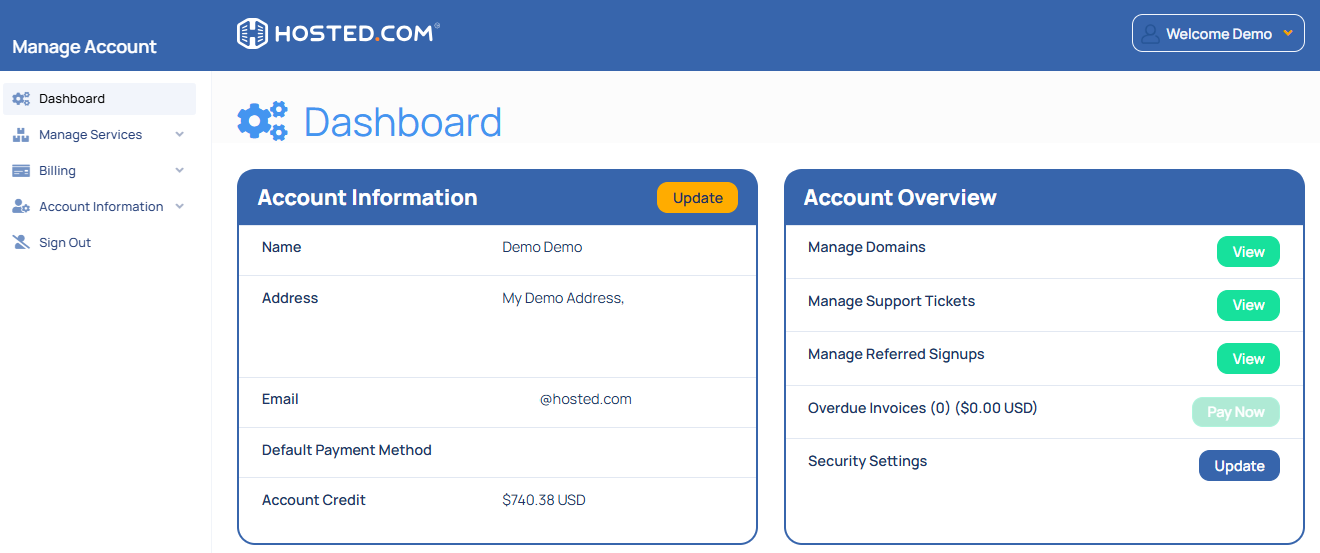
3. You will see the Hosted.com® Dashboard, displaying the Manage Account menu on the left and your Account Information, Account Overview and Open Support Tickets on the right.
Login to cPanel from your Hosted.com® Dashboard
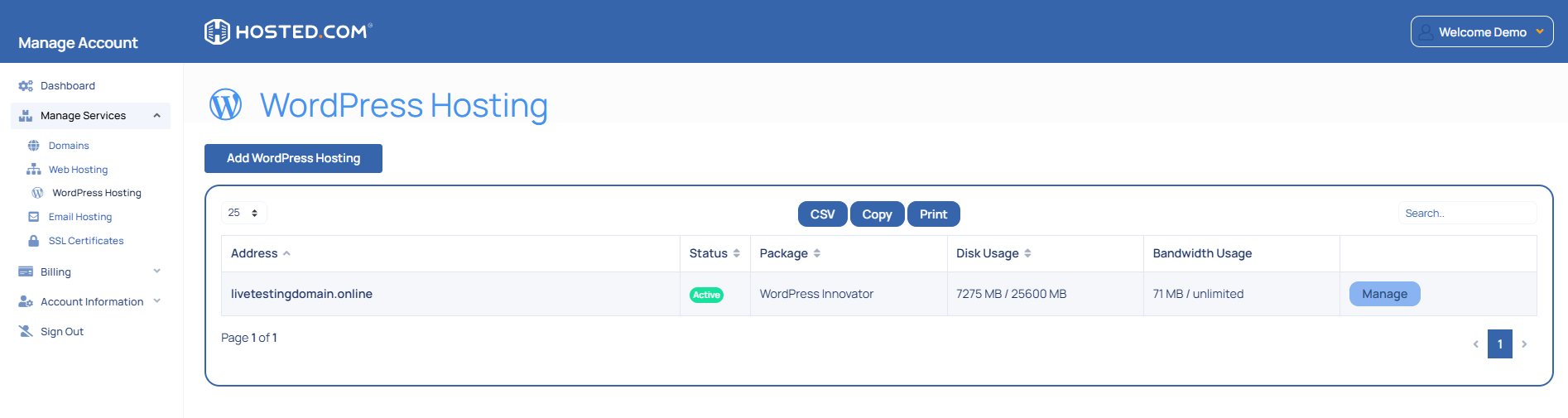
4. Click on Manage Services to view the sub-dropdown menu and select the hosting package for the domain you want to work with – in our example we are using WordPress Hosting.
5. Click the Manage button to the right of the domain name you want to access.
6. The display will now show Product Information, Quick Manage, Resource Usage and Site Statistics for that domain name.
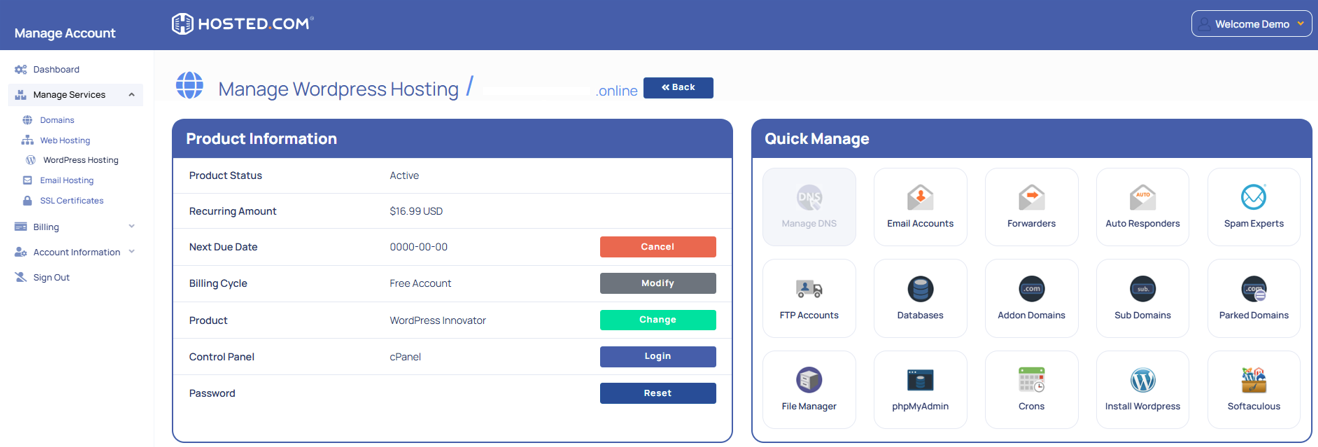
7. Under Product Information, scroll down to Control Panel, which will display cPanel to the right, and click on the Login button.
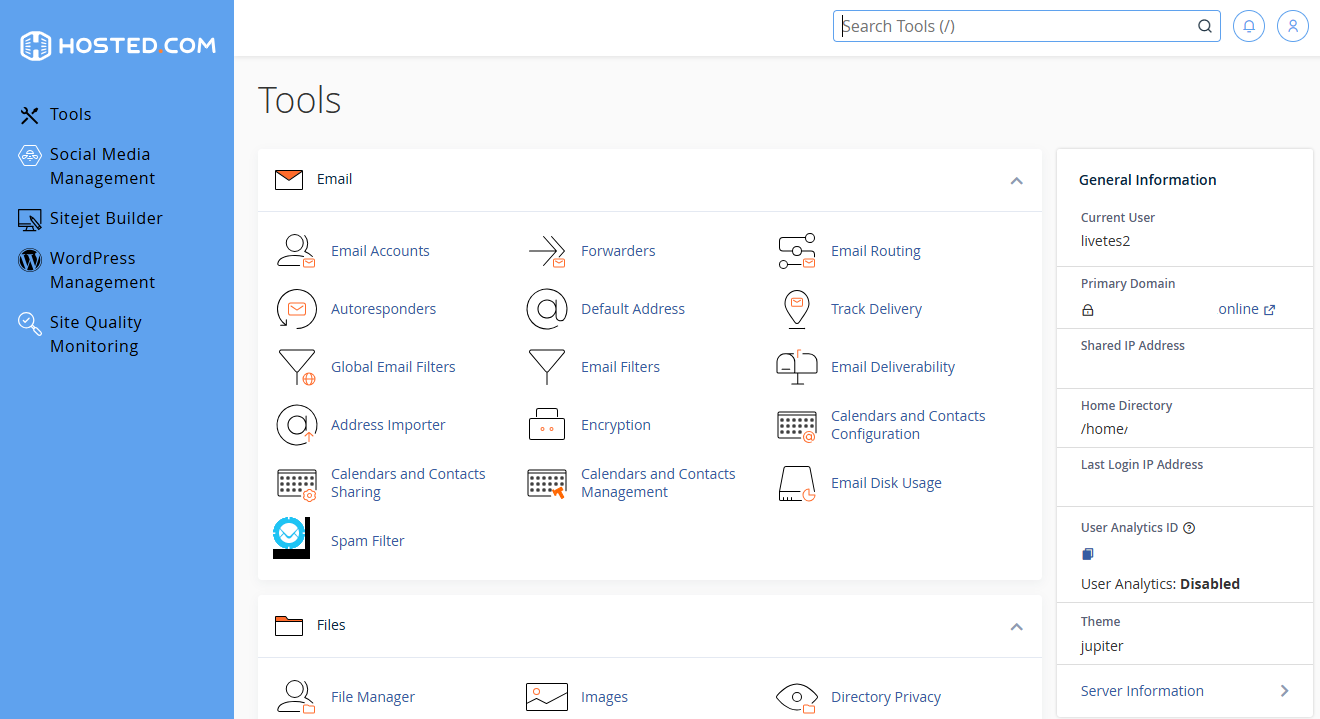
8. The cPanel Dashboard will now be displayed.